YouTube Player
Your saved YouTube videos in a dedicated window — Version 1.0.0
YouTube Player (YTPlayer) lets you organize your favorite YouTube video links and watch them from a dedicated Windows desktop window. Give each video a recognizable name and keep tutorials, music and talks together in your own local list.
The graphite interface brings playback, seeking and volume controls together below the video. Resize or maximize the window while the player area keeps its 16:9 proportions, and revisit a saved link whenever you need it.
Key features
- Watch YouTube videos through the official embedded player.
- Add, edit and remove named video links in an alphabetically organized local list.
- Play, pause and stop, or move manually to the previous or next saved video.
- Seek with the progress bar and skip backward or forward by ten seconds.
- Save links with a starting time to return directly to a chosen fragment.
- Adjust volume from 0 to 100% and mute or restore the audio.
- Resize or maximize the window with a 16:9 player area and visible playback controls.
- Keep your video list, selection, volume and window settings in a local configuration file.
Screenshot
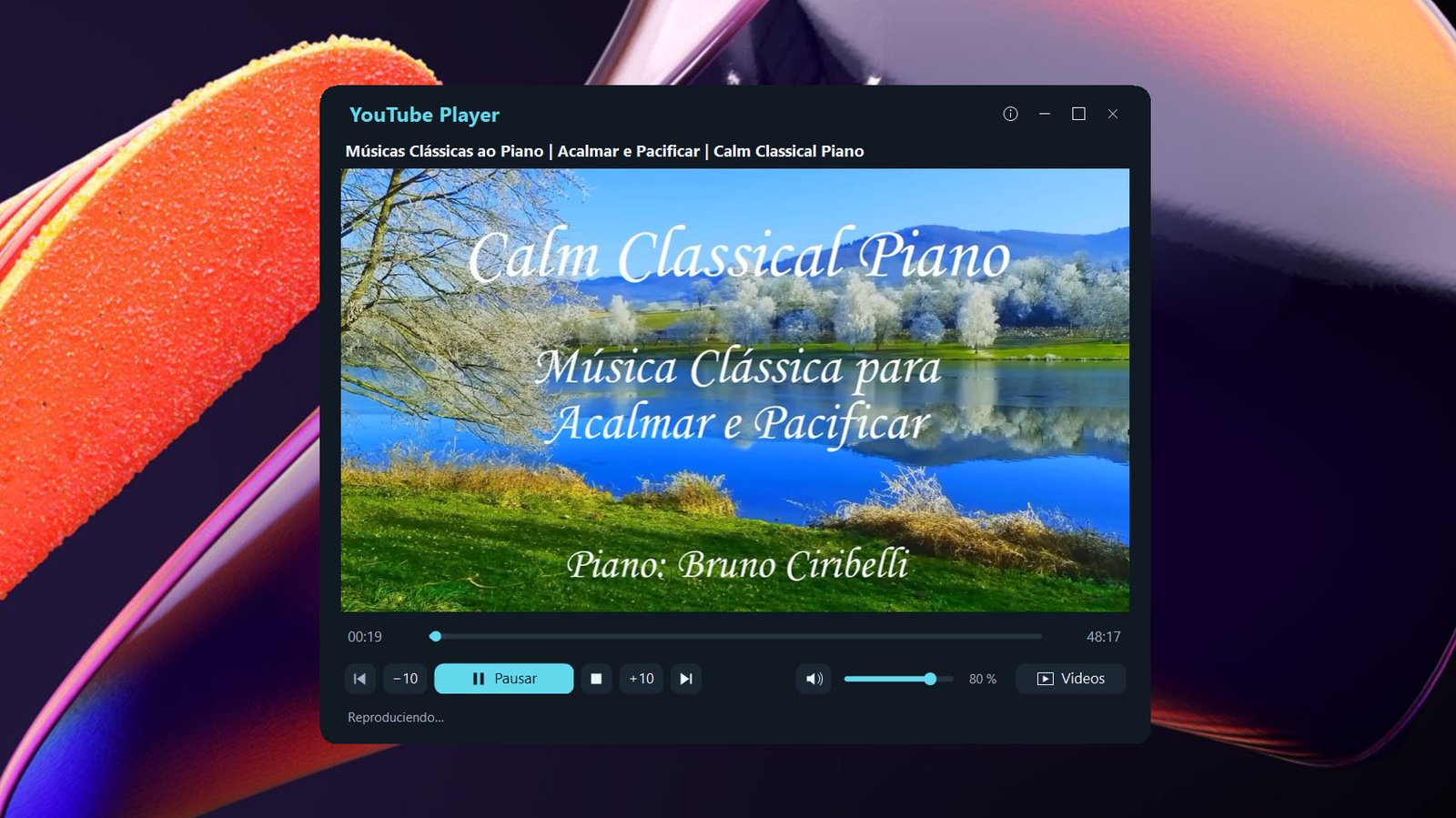
Click to enlarge
Getting started
- Run YTPlayer.exe from a folder where you can save your settings.
- Open Videos, enter a name and a YouTube video URL, then click Agregar video and Aplicar.
- Click Reproducir and use the position, skip and volume controls while watching.
An Internet connection is required. Video availability and permission for embedded playback depend on YouTube and the content owner.
YTPlayer is an independent application by Mc & RENOX technologies and is not affiliated with Google or Microsoft.
Free portable edition for Windows x64, with .NET and WebView2 included. No separate installation of those components is required.
Download for WindowsLicense
- License price: FREE
File Details
- Version: 1.0.0
- File: YTPlayer.exe
- OS: Windows x64
- Install: Portable executable
- Runtime: .NET and WebView2 included
- Video source: YouTube video URLs
- Connection: Internet access required
- Interface: Spanish
Click to enlarge